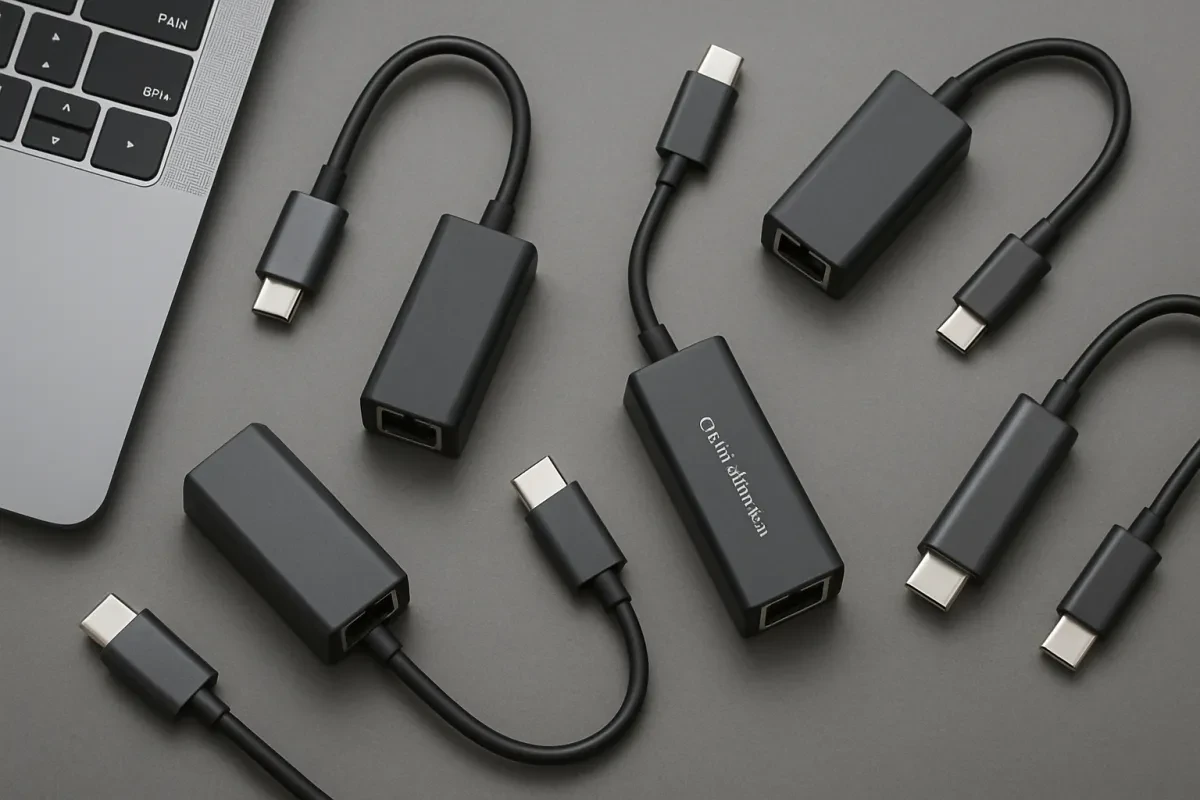
Thin laptops and tablets have made life portable, but they often sacrifice one of the most essential connections for speed, security, and stability: the Ethernet port. Whether you’re a remote worker dealing with mission-critical video calls, a gamer who needs zero latency, or simply transferring massive backups to your network-attached storage (NAS), a wired connection beats Wi-Fi every single time.
That’s where the modern USB-C Ethernet adapter comes in.
To help you get the most out of your connection, we’ve researched and ranked the 7 best USB-C Ethernet adapters for 2025. Our list covers everything from the essential 1 Gigabit (1GbE) adapters for general use to the bleeding-edge 2.5 Gigabit (2.5GbE) options for users who need maximum throughput. Find the perfect adapter to connect your MacBook, Windows laptop, or tablet securely and reliably.
Section 1: The Essential Gigabit Adapters (Speed & Reliability)
These adapters offer the most straightforward way to add a fast, stable wired connection (1000 Mbps) to any USB-C or Thunderbolt 3/4 device.
#1. USB-C to 2.5 Gigabit Ethernet Adapter (The Speed King)
For users with modern networking gear (routers/switches) or those moving massive local files, a 2.5Gbps adapter is the ultimate upgrade. This category of adapters delivers network speeds of up to 2.5 Gigabits per second—more than double the standard Gigabit speed—while remaining backward compatible with 1Gbps networks.
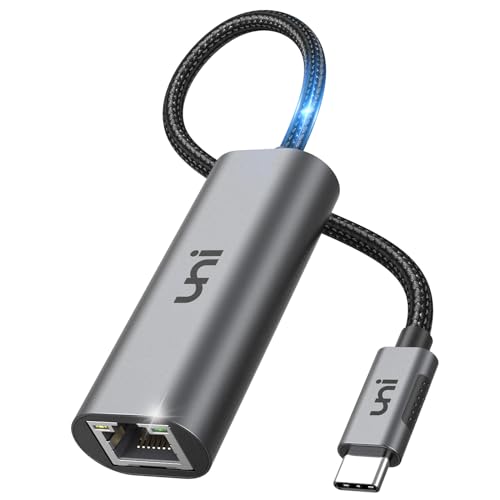
Uni USB-C to Ethernet Adapter 2.5 Gbps
Experience lightning-fast internet connectivity with the Uni USB-C to Ethernet Adapter, designed for optimal performance and reliability
Product information
€19.32 €16.99
Product Review Score
4.18 out of 5 stars
109 reviewsProduct links
#2. USB-C to Gigabit Ethernet Adapter (The Reliable Workhorse)
This is the standard choice for anyone on a budget or working on a typical home/office Gigabit network. These adapters provide a stable, full 1000 Mbps connection that is often faster and more secure than Wi-Fi. Look for models that are fully Plug-and-Play and feature native driver support for macOS and Windows to ensure easy, instant setup.
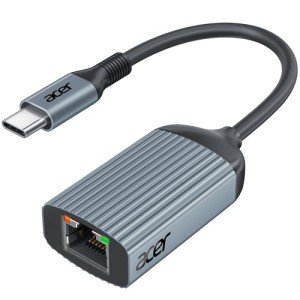
Acer USB-C to Ethernet Gigabit Adapter - Grey
Experience fast and reliable internet connectivity with this sleek and compact USB-C to Ethernet adapter
Product information
€18.46 €10.78
Product Review Score
4.63 out of 5 stars
172 reviewsProduct links
#3. Long-Life USB-C Gigabit Adapter (Best for Durability)
For travelers and heavy daily users, physical durability matters. Adapters in this class feature premium aluminum housing for better heat dissipation and a braided nylon jacket cable. Crucially, they include FLEX-SR strain relief at the cable junction, which is designed to withstand bends and prevent the common failure point of dongles.
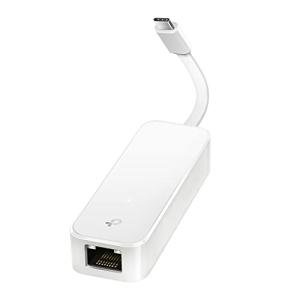
TP-Link USB-C Gigabit Ethernet Adapter
Instantly Connect Your USB-C Device to Wired Internet with TP-Link USB-C Gigabit Ethernet Adapter
Product information
€17.43 €11.33
Product Review Score
4.25 out of 5 stars
175 reviewsProduct links
Section 2: The Multi-Function & Docking Solutions
If your laptop or tablet has a single USB-C port, you need an adapter that can restore not just Ethernet, but also power and classic USB connectivity.
#4. USB-C to Ethernet Adapter with USB-A Port (The Port Restorer)
Many modern thin laptops only have USB-C, leaving legacy peripherals stranded. This smart adapter not only adds an RJ45 Ethernet port but also includes an integrated USB 3.0 Type-A port. This allows you to connect a wired mouse, flash drive, or keyboard while still utilizing a wired network connection—a vital feature for systems with limited ports.
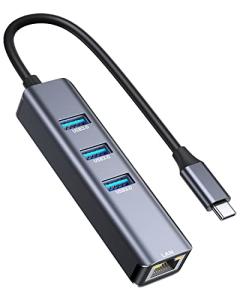
Vilcome USB-C Ethernet Adapter for Mac & Dell
Experience High-speed Internet Connection with Vilcome's USB-C Ethernet Adapter for Mac and Dell Devices
Product information
€15.69 €13.94
Product Review Score
4.81 out of 5 stars
63 reviewsProduct links
#5. USB-C to Ethernet Adapter with Power Delivery (The Charging Hub)
This high-utility adapter features an Ethernet port and a second USB-C port with Power Delivery (PD) functionality. This means you can plug your laptop's main charger into the adapter, allowing the adapter to pass power through to your laptop while simultaneously providing a wired network connection. This ensures you can stay fully charged while benefiting from Gigabit speeds.
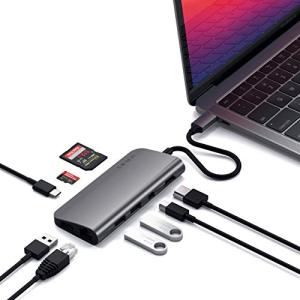
Satechi Type-C Adapter with Multiple Ports
Expand Your Connectivity with Satechi's Type-C Adapter Featuring Multiple Ports
Product information
€114.28 €47.99
Product Review Score
4.61 out of 5 stars
88 reviewsProduct links
#6. USB-C Multi-Port Hub with Integrated Ethernet (The All-In-One Dock)
For the user who wants minimal cable clutter, the multi-port hub is the answer. These are compact docking stations that include a Gigabit Ethernet port along with other essentials like multiple USB-A ports, HDMI, and often SD card readers. They essentially transform a single USB-C port into a complete desktop workstation.
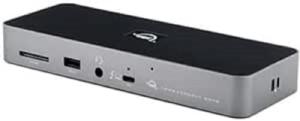
OWC Thunderbolt 4 Dock with 11 Ports
Maximize your connectivity with multiple ports for all your devices
Product information
€272.45
Product Review Score
4.56 out of 5 stars
110 reviewsProduct links
Section 3: Specialized & Unique Adapters
#7. USB-C to Dual Gigabit Ethernet Adapter (The Advanced/IT Pick)
This niche adapter is designed for specialized users, such as network administrators, IT professionals, or users of specialized servers. It provides two separate Gigabit Ethernet ports from a single USB-C connection. This allows for network redundancy, security separation (VLAN tagging), or connecting to two distinct networks simultaneously.
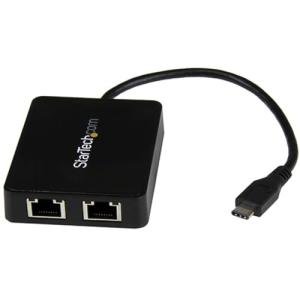
USB-C Dual Gigabit Ethernet Adapter with USB 3.0
Add Fast and Reliable Internet Connectivity to Your USB-C Devices with Our Dual Gigabit Ethernet Adapter
Product information
€43.59
Product Review Score
4.39 out of 5 stars
110 reviewsProduct links
OS Compatibility and Advanced Features: The Pro Checklist
When your USB-C adapter fails, the issue is rarely hardware—it's usually software, power management, or a compatibility setting. Addressing these niche issues establishes your content as authoritative and solves problems for advanced users searching for specific terms (like "WOL" or "VLAN Tagging").
1. Plug-and-Play vs. Driver Management
The promise of "driverless" setup holds true for most modern operating systems, but not all of them:
-
Mac, ChromeOS, iPadOS, Windows 10/11: Most modern adapters (using chipsets like Realtek RTL8153 or ASIX AX88179A) offer native, plug-and-play installation.
-
Windows 7/8.1, or Post-Update Windows 11: Users on these systems may still need to manually download and install the specific driver from the adapter manufacturer's website to resolve unstable connections or lack of recognition.
-
Troubleshooting Tip: If your adapter stops working after a major Windows update, temporarily uninstalling the device driver in Device Manager and then letting Windows reinstall it often resolves the issue.
2. Essential Advanced Features for Power Users
Professional-grade USB-C Ethernet adapters include features that optimize network stability, security, and power usage:
-
Wake-on-LAN (WoL): This feature allows the adapter to receive a network signal ("magic packet") that can power on a sleeping or completely powered-down computer. This is vital for remote management and IT teams.
-
VLAN Tagging (Virtual LAN): Used to segment traffic on a network (e.g., separating guest traffic from critical business traffic). Note: While supported by the hardware, VLAN tagging is often not supported in macOS for USB adapters.
-
Jumbo Frames: Allows the adapter to transmit much larger data packets (up to 9K bytes) than the standard 1.5K. This is ideal for improving efficiency when transferring massive files over a local network (LAN) to devices like a NAS.
-
EEE (Energy Efficient Ethernet): Enables the adapter to consume less power during periods of low data activity, which is crucial for maximizing the battery life of a connected laptop.
3. Optimizing Speed: Avoiding the Bottleneck
Remember that your USB-C adapter can only achieve its maximum speed if the entire chain supports it:
-
USB Port Speed: The adapter must be plugged into a USB 3.0 (or later) port (5Gbps theoretical) to support the full Gigabit (1Gbps) speed. A USB 2.0 port will bottleneck your connection to 100 Mbps.
-
Network Hardware: To utilize a 2.5 Gigabit adapter (Item #1), your entire network setup—including the router, switch, and cables (Cat 6 or higher)—must also be rated for 2.5Gbps.
Compatibility & setup checklist (avoid the common mistakes)
USB-C Ethernet adapters are usually plug-and-play, but most “it doesn’t work” problems come down to compatibility, power, or the wrong port. Use this checklist before you buy (and before you troubleshoot).
1) Confirm your device supports data over USB-C
- Laptops: Most USB-C ports support data, but some budget models include a charge-only port. If the adapter isn’t detected, try another USB-C port.
- Tablets/phones: USB-C Ethernet can work, but support varies by model and OS version. If it works intermittently, a powered hub can help.
- USB-C hubs: If you’re connecting through a hub, choose a quality model and keep the chain simple. Browse hubs here: USB-C Hubs.
2) Gigabit vs 2.5GbE (when faster Ethernet actually matters)
- Gigabit (1Gbps): Perfect for most home/office internet connections and video calls.
- 2.5GbE: Only worth it if your router/switch supports 2.5GbE and you regularly transfer large files on a local network (NAS/backups).
- Real-world tip: A faster adapter won’t speed up a slower broadband plan. It helps most on local network transfers.
3) Driver and OS notes (quick troubleshooting)
- Windows: If the adapter isn’t detected, check Device Manager and try a different USB port. A reboot after first use can help.
- macOS: Most adapters work automatically. If not, test without a hub first and try a different cable/port.
- iPadOS/Android: If it connects but drops out, use a powered hub or connect power to the hub (Power Delivery passthrough).
4) USB-C port expanders: Ethernet + HDMI + charging in one setup
If you want Ethernet plus a display and charging, a hub or multiport adapter can simplify everything:
- Ethernet Adapters for stable wired internet
- HDMI Adapters for monitor/TV connections
- USB-C Chargers + USB-C Cables for reliable power
Quick buyer guidance (choose the right adapter first time)
- For everyday work & meetings: a reliable Gigabit adapter is usually the best-value choice.
- For creators and large file transfers: consider 2.5GbE only if your network supports it.
- For travel setups: a compact hub can replace multiple dongles (Ethernet + HDMI + USB-A).
- For stability: avoid long adapter chains. If needed, use one good hub and keep cables short.
Related brand picks (popular on DongleLife)
If you want to browse brand pages that are already getting attention on DongleLife, start here:
Tip: For more USB-C essentials (hubs, adapters, chargers, cables), return to the main hub: DongleLife USB-C Essentials.
The Verdict: The Wired Connection is Still King
If you're still relying on shaky Wi-Fi for critical tasks, upgrading to a USB-C Gigabit Ethernet adapter is the single fastest, most stable, and most secure networking upgrade you can make.
For most home users and students, a simple, durable Gigabit Ethernet Adapter (Item #2) is all you need. However, if your job involves large data transfers or you're connecting a modern NAS, the 2.5 Gigabit Ethernet Adapter (Item #1) is future-proofing your bandwidth. Be sure to select an adapter with Power Delivery (Item #5) if you rely on a single USB-C port for everything.
New on DongleLife: How This Site Is Built — a quick look at how we organise USB-C hubs, adapters, chargers, and guides to help you find the right gear faster.
Ready for Rock-Solid Stability?
Click below to explore the categories and find the top-rated USB-C Ethernet adapters featured in this guide: