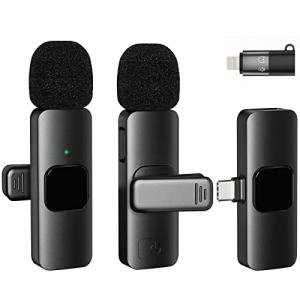
Bybrutek USB-C Accessories: what they’re best for
If you’re searching for Bybrutek, you’re usually trying to solve a straightforward USB-C problem: add ports, connect a display, get stable Ethernet, transfer files faster, or simplify your everyday charging setup.
This guide helps you choose the right Bybrutek-style USB-C accessories based on what you actually need — without buying the wrong adapter for your device.
Pick Bybrutek gear by the job you need done
Compatibility checklist (before you buy)
- Video output isn’t guaranteed: Not all USB-C ports support HDMI output (your device needs DisplayPort Alt Mode).
- Charging passthrough: If you’re using a hub with Power Delivery, make sure your charger wattage matches your laptop/tablet needs.
- Speed matters for storage: For external SSDs and fast peripherals, choose hubs/adapters that support USB 3.x rather than basic USB 2.0 speeds.
- Ethernet expectations: Gigabit is enough for most users; faster options only help if your network gear supports them.
Recommended starting points
If you’re not sure where to begin, these category hubs make it easy:
Keep exploring
For more USB-C hubs, adapters, chargers, cables, and connectivity essentials, return to the main hub: DongleLife USB-C Essentials.